
Have you ever visited a website on your phone and tapped on a phone number to make a call? That is called a clickable phone number. It is one of the easiest ways to help visitors contact your business. If you have a local business, a personal website, or an online store, adding a clickable phone number on your website can improve the user experience and help you get more calls from potential customers.
In this guide, I will show you exactly how to make a clickable phone number in wordpress even if you are a complete beginner.
What's a Clickable Phone Number?
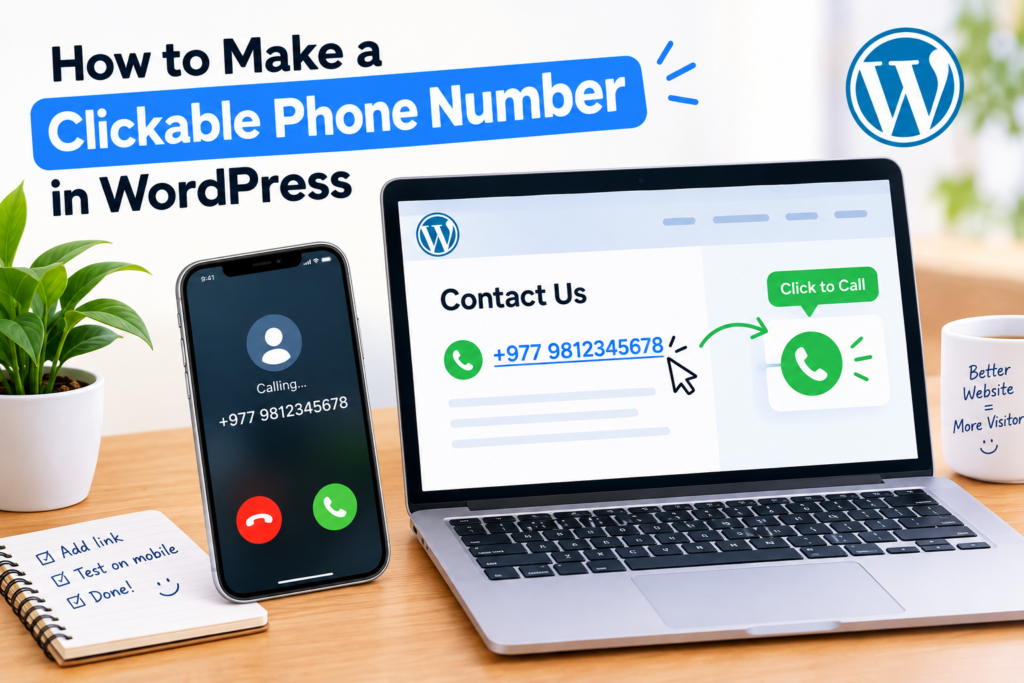
A clickable phone number is a phone number that the users can tap or click to start a phone call. Instead of manually copying or typing the number, visitors can contact you immediately.
For example, when someone taps your phone number, their phone’s calling app automatically opens on their smartphone.This small feature makes a big difference, especially for businesses that rely on frequent phone calls from customers.
Why Should You Add a Clickable Phone Number?
Adding a clickable phone number may seem like a small change, but it can make a big difference in how visitors interact with your website.
Here are some of the main benefits:
1. Makes It Easier for Customers to Contact You
When a visitor sees a clickable phone number, they can call you with a single tap instead of copying and manually entering the number. This saves visitors time and makes the process easier.
2. Improves the Mobile User Experience
Today, Most of the traffic on websites comes from smartphones. A clickable phone number in wordpress helps mobile users to reach you instantly and make the experience smoother and more user-friendly.
3. Can Increase Leads and Sales
It helps visitors reach you in an easy way and get in touch with you. If you are selling products, offering services, or running a local business, then more calls can help you increase your customer base and increase your revenue.
4. Builds Trust and Professionalism
A visible phone number makes your business look real and accessible to visitors. it gives people confidence that they can reach out to you if they have any questions, need support or facing some problem.
5. Supports Better Customer Service
Some customers prefer to talk to people directly instead of sending emails. A clickable phone number gives them another way to reach your business and get help quickly.
How To Make A Clickable Phone Number In WordPress?
Follow this simple method to learn how to make a clickable phone number in WordPress. It only takes a few steps, and once set up, visitors can tap the number on their mobile device to call you directly.
Method 1: Add A Clickable Phone Number Using The WordPress Editor
The easiest way to add a clickable phone number in wordpress is to use the built-in block editor (Gutenberg). This method doesn’t require any coding knowledge or additional plugins.
Follow this method to learn how to make a clickable phone number in WordPress and make it easier for visitors to contact you.
Step 1: Log In to Your WordPress Dashboard
First, log in to your wordpress admin area. You can usually access it by going to this URL:
yourwebsite.com/wp-admin
Enter your username and password, then click log in.
Step 2: Open the Page or Post You Want to Edit
From the dashboard menu, go to:
Pages → All Pages
or
Posts → All Posts
Select the page or post where you want to add the clickable phone number and click Edit.
Step 3: Add Your Phone Number
Place your cursor where you want the phone number to appear.
Type your phone number, for example:
+1 (234) 567-8900
You can place it in:
- Contact pages
- Service pages
- Website footer
- Call-to-action sections
Step 4: Highlight the Phone Number
Using your mouse, select the entire phone number.
Once highlighted, a small toolbar will appear above the text.
Step 5: Click the Link Button.
In the toolbar, click the Link icon (🔗).
A small field will appear asking for a URL.
Step 6: Enter the Phone Link
Instead of entering a website URL, type:
tel:+12345678900
Replace the example number with your own phone number.
For example:
tel:+9779812345678
The “tel:” prefix tells browsers and mobile devices that this is a phone number link.
Step 7: Apply the Link
After entering the phone number, press Enter or click the Apply button.
WordPress will now turn the phone number into a clickable link.
Step 8: Save Or Update Your Page
Click the Update or Publish button in the upper right corner of the editor.
Your changes are now live on your website.
Step 9: Test the Phone Number
Open your website on a smartphone.
Tap the phone number.
If you have set everything up correctly, your phone’s calling app should automatically open with the number ready to dial.
Bonus Tip
Always use your country code when creating clickable phone numbers.
Examples:
- United States: +1
- United Kingdom: +44
- Australia: +61
- Nepal: +977
Using a country code ensures that visitors from different countries can contact you without any problems.
Example:
Visible phone number:
+1 (234) 567-8900
Phone link:
tel:+12345678900
This is the recommended format because it works across most devices and browsers.
Method 2: Add A Clickable Phone Number Using HTML
If you want more control over how your phone number appears on your website, you can use HTML. This method is simple and works on any WordPress page or post. Follow this method to learn how to make a clickable phone number in WordPress and make it easier for visitors to contact you.
Step 1: Open The Page Or Post
Log in to your wordpress dashboard and open the page or post where you want to add the clickable phone number.
Step 2: Add A Custom HTML Block
Click the + (Add Block) button and search for Custom HTML. Then add the block to your page.
Step 3: Insert The HTML Code.
Paste the following code into the Custom HTML block:
<a href=”tel:+12345678900″>+1 (234) 567-8900</a>
Replace the example number with your own phone number.
Step 4: Preview The Page
Click Preview to make sure the phone number appears correctly and is clickable.
Step 5: Publish Or Update
Once everything looks good, click on the Publish or Update action button to save your changes.
Why Use The HTML Method?
The HTML method gives you more flexibility and allows you to place clickable phone numbers anywhere on your website. This is also useful if you want to create custom call buttons or add advanced styling later, especially when learning how to make a clickable phone number in WordPress.
How to Test Your Clickable Phone Number?
After learnig how to make a clickable phone number in wordpress to your WordPress website, you’ll need to test it once to see if it works correctly.
Step 1: Open Your Website On A Smartphone
If you are using Android or iPhone, visit the page where you have added your phone number.
Step 2: Tap The Phone Number
Click or tap the phone number on the page.
Step 3: Check If The Calling App Opens
If the setup is correct, your phone’s dialer or calling app should automatically open with the phone number you just entered.
Step 4: Test On Different Devices
For the best results, you should test your phone number on both Android and iPhone devices to ensure that all visitors can use this feature without any issues.
Common Issues and Solutions
When learning how to make a clickable phone number in WordPress, you may face a few common issues. Here are some simple solutions to help you fix them.
The Phone Number Doesn’t Work
Double-check your phone number and format to ensure everything is entered correctly.
The Number Opens the Wrong App
Some desktop computers may open apps like Skype or Microsoft Teams, but that is normal behavior.
International Visitors Can’t Call
Include your country code so that users from different countries can dial it correctly.
Get 20% Off Your Hosting

Ready to start your WordPress website? If you’re learning how to make a clickable phone number in WordPress, you can also get your website online with reliable hosting. Get 20% off your hosting plan with this special offer and save money while setting up your WordPress website. If you have any question tell contact us.